Apps that make everyday life simpler
Discover practical mobile apps built to be easy to download, simple to use, and dependable every day.

Designed Around Your Everyday Needs
We create straightforward mobile experiences that help you get more done with less effort.

Easy-to-Use Apps
Clear, focused features that make everyday tasks feel simpler.
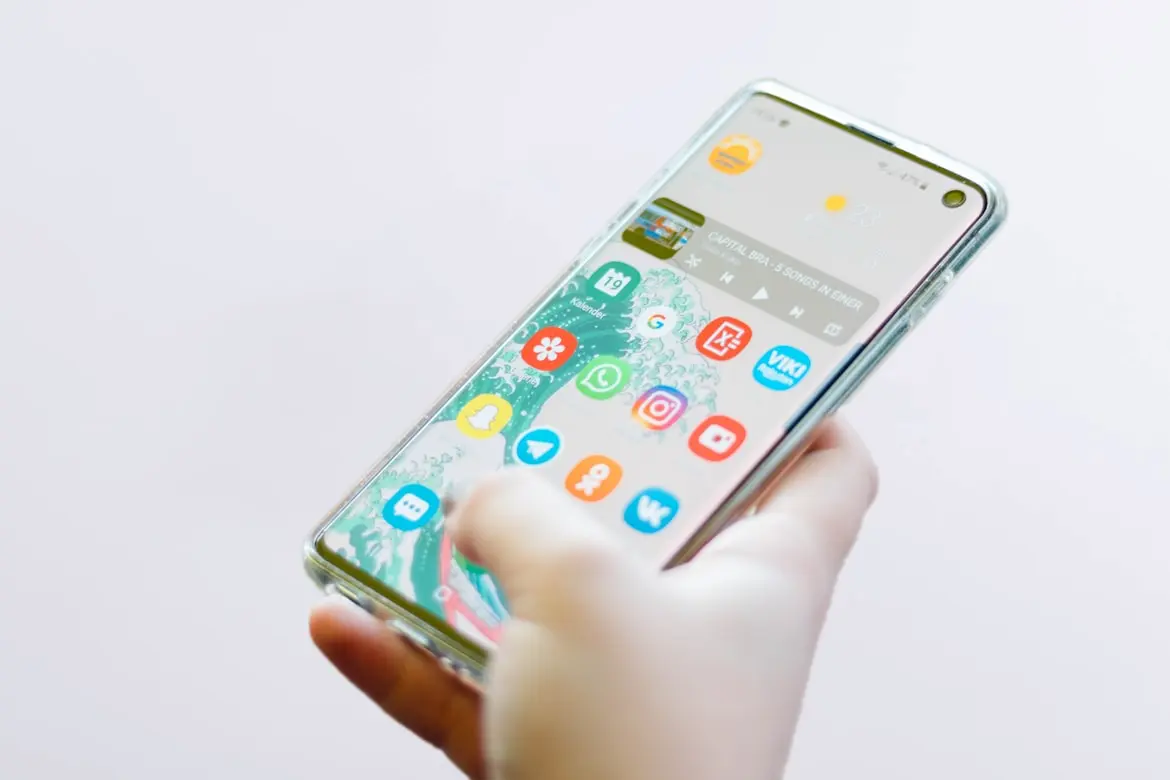
Thoughtful Design
Intuitive layouts and helpful guidance from your first tap.
Reliable Updates
Regular improvements for stability, compatibility, and performance.

Help When You Need It
Support for downloading, installing, and using our apps.
Made for the Moments That Matter
Useful apps, built with care for the way you use your phone.
A Better Everyday Mobile Experience
At Lara Information Technology Services LLC, we build mobile apps that solve practical everyday needs. We focus on the details that make an app feel clear, fast, and comfortable to use.
From the moment you find an app to every update that follows, we aim to make the experience simple and reliable.
Your feedback helps us improve, so our apps keep getting better with you.
Why Choose Our Apps?
Practical tools designed for a smoother mobile experience.
Simple by Design
Clear experiences that are easy to learn and use.
Built for Everyday Use
Useful features focused on real routines.
Help When You Need It
Help is available for common questions, download guidance, and issue reports.
Continuous Improvement
Regular updates make the experience better over time.
Your Privacy Matters
We design with transparency and user choice in mind.
User Feedback Welcome
Your ideas and reports help guide our next improvements.
The Team Behind Our Apps
Designers and developers focused on creating useful, reliable mobile experiences.

Louis Barraza
Co-CEO, Co-Founder
Product leader focused on useful, approachable mobile experiences.

Lino Suarez
Co-CEO, Co-Founder
Software architect focused on reliable, thoughtful app experiences.

Cairo Resendiz
Dev. Team Leader
Development leader focused on stable, easy-to-use app features.
FAQ
Set our as your default launcher to instantly declutter your phone. A simple swipe up from the bottom of your screen brings up your entire app collection, allowing you to find and open what you need in a snap.
Option 1: Via System Settings
• Open your phone's Settings.
• Go to Apps / Default Apps.
• Select Home App (or Default Home Screen).
• Choose your phone's native launcher from the list.
Option 2: Directly from the Home Screen
• Long-press the our icon on your home screen.
• Tap "Restore Home Screen" in the pop-up menu.
• Confirm to instantly switch back to your original layout.
Via App Store
Search for our app page in the store and tap "Uninstall."
Directly from App List
Find the app icon, long-press it, and select "Uninstall" from the pop-up menu.
⚠️ Troubleshooting Tip:
If your system prevents uninstallation or shows an error, it is usually because the app is still active as your default launcher. Simply go to your phone's Settings to change your default home screen back to the system native launcher first, and you will then be able to uninstall the app with ease.
Ready to Explore?
Browse our apps, find one that fits your everyday needs, and get started today.
22401 Charlene Way,Castro Valley, CA 94546 US